|
Build colored surface charge or potential surfaces from ORCA's Features
|

Surface charges of succinic acid in water |
-
Python 3.9+
-
Create a virtual environment and install requirements:
python -m venv .venv && source .venv/bin/activatepip install -r requirements.txt
-
Place your
.cpcmfiles in./input/(or point to a different folder). -
Generate
.wrland.pngwith defaults:python cosmo_render.py
- Show all options:
python cosmo_render.py --help
Common flags
--input: input directory with.cpcmfiles (default:input)--output: directory for.wrland.pngfiles (default:output)--force: rebuild and re‑render even if outputs exist--onscreen: use on‑screen rendering (off‑screen by default)-v/-vv: increase verbosity
- Small halides in water: You can see the change in the sigma hole in those images.

CH3Br in water. |

CH3I in water. |
- Aspartic acid surface charges during SCF iterations:
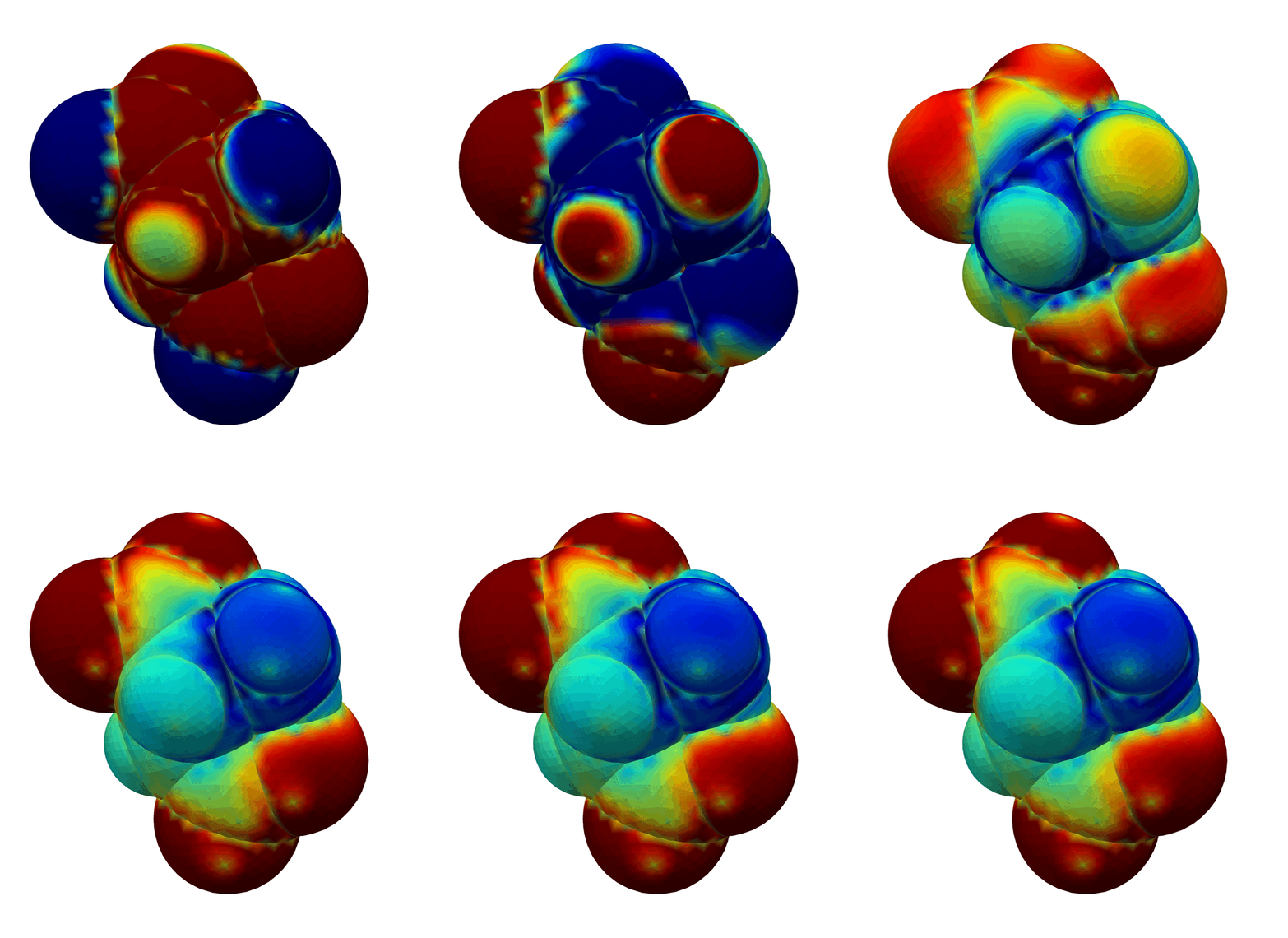
- The generated
.wrlfiles can be opened in, e.g., UCSF Chimera for interactive viewing alongside molecular structures (e.g., an.xyzor PDB file). Chimera project: https://www.cgl.ucsf.edu/chimera/
-
A minimal
pyproject.tomlis included. Install editable and use the console script:pip install -e .- Run:
cosmo-render --help
- Off‑screen rendering requires a working VTK/PyVista setup; depending on your platform
you may need system OpenGL or OSMesa. If off‑screen fails, try
--onscreen. - Output directories are created automatically.