
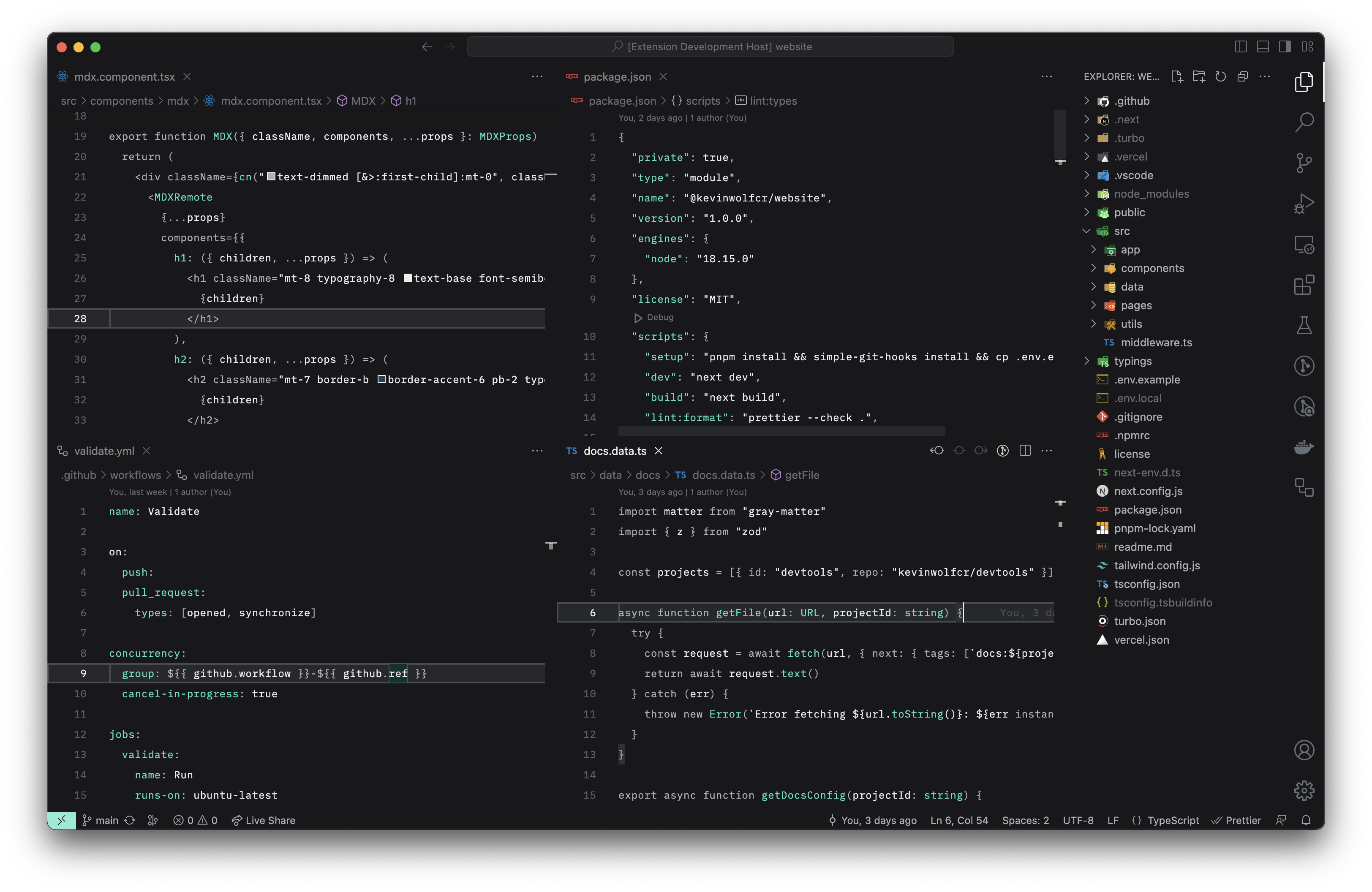
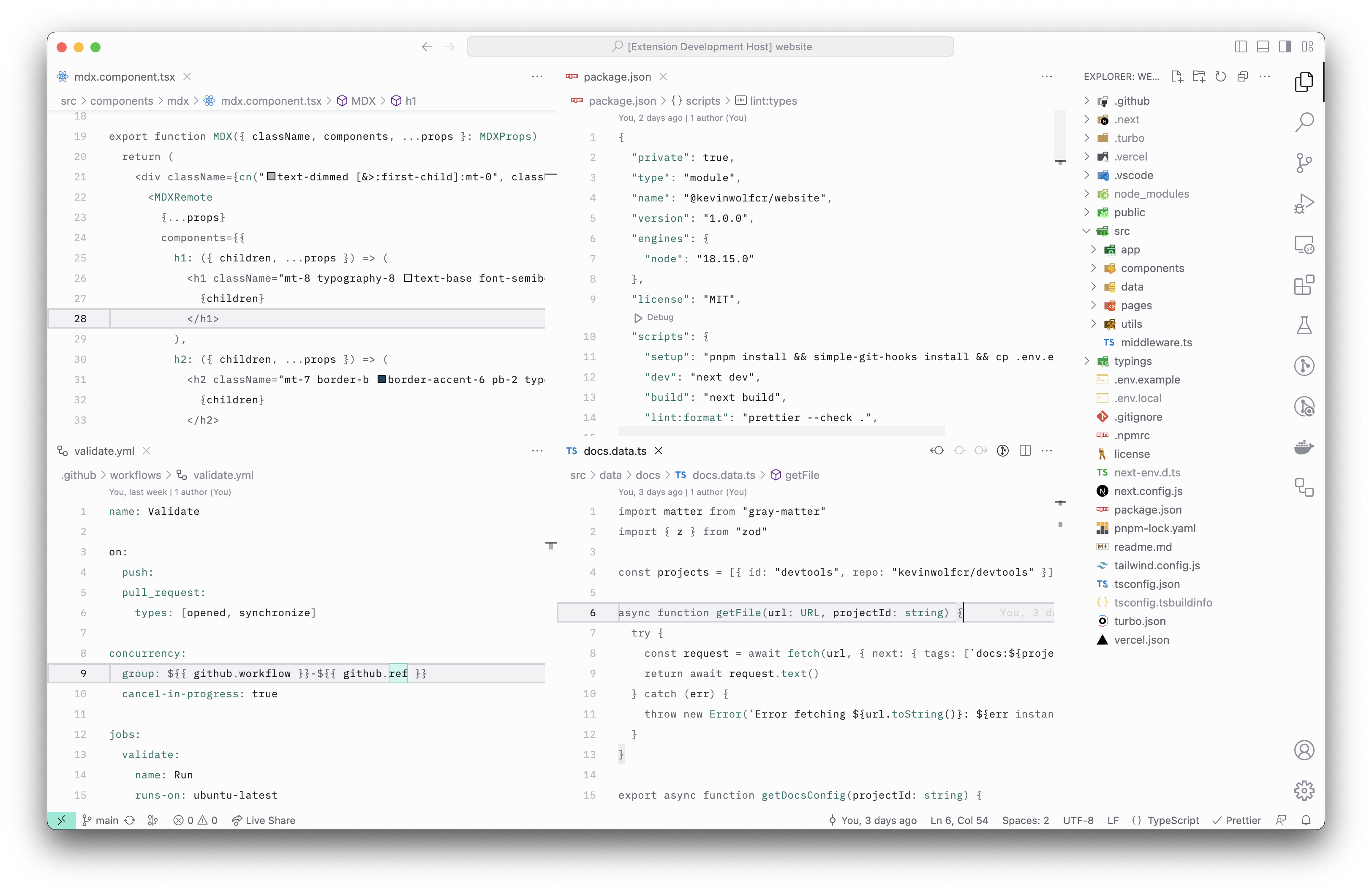
Minimal, quiet, and distraction-less theme for VS Code



- Open the Extensions sidebar panel in VS Code.
- Search for
Quite Canvas - Click
Install - Select either
Quiet Canvas — DarkorQuiet Canvas — Lightfrom the menu - Click
Reload
If you wish to contribute to this project, please read the Contributing Guidelines first.
This project is licensed under the MIT license.